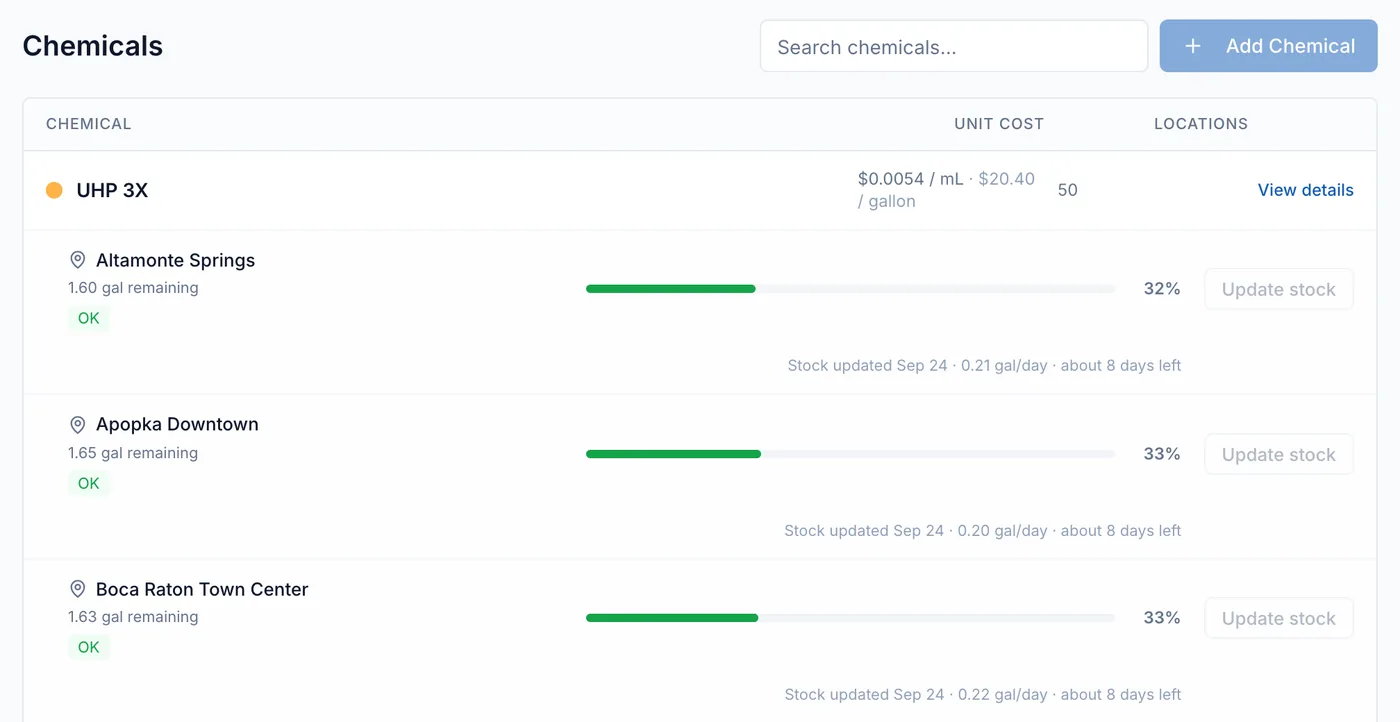
Add chemicals with their cost and keep stock levels current.
On dozalink.com
Add each chemical once with its price and assign it to the pumps that dose it. DozaLink then turns
doses into cost and keeps a running stock estimate for each site.
Add a chemical
Open Chemicals and click Add Chemical.
Enter the name, the unit you buy it in (gallon or liter), and the Cost per Unit ($).
Optional: turn on Add initial inventory and enter how much is on hand at a location.
Click Create, then assign it to a pump under Pump Configuration on the device’s page.
Record deliveries and counts
On Chemicals, click Update stock for the chemical and location. Choose Add stock for a delivery or Set stock level for a count. Between
updates, DozaLink subtracts recorded doses and shows about how many days of supply are left.
Change a price
Open the chemical and change its Cost per Unit ($). New doses use the new price;
earlier doses keep the cost they were recorded with.