
Manage with DozaLink · Section 15
Sites, team, and billing
Add locations, invite people, review changes, and manage the subscription.
These pages are for owners and admins.
Add a location
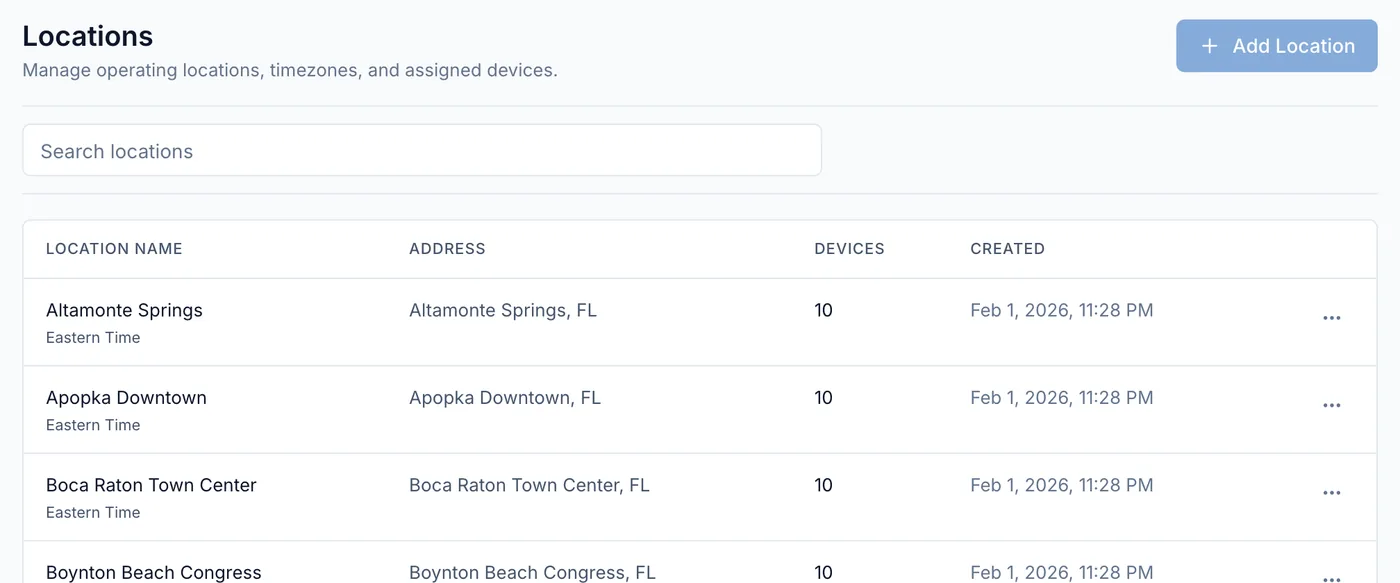
Open Locations, click Add Location, and enter the site’s name and address. The time zone fills in from the address. Assign devices to it when you link them.
Invite people
Open Team, click Invite Member, enter their email, and choose a role and the locations they can see (leave empty for all). They get an email to join.
| Role | Can |
|---|---|
| Viewer | See devices, activity, and reports. |
| Operator | Also run pumps, link devices, calibrate, change doses, and update stock. |
| Admin | Also change pump direction, lock local controls, update firmware, and manage locations and team. |
| Owner | Admin access plus billing. |
Audit log
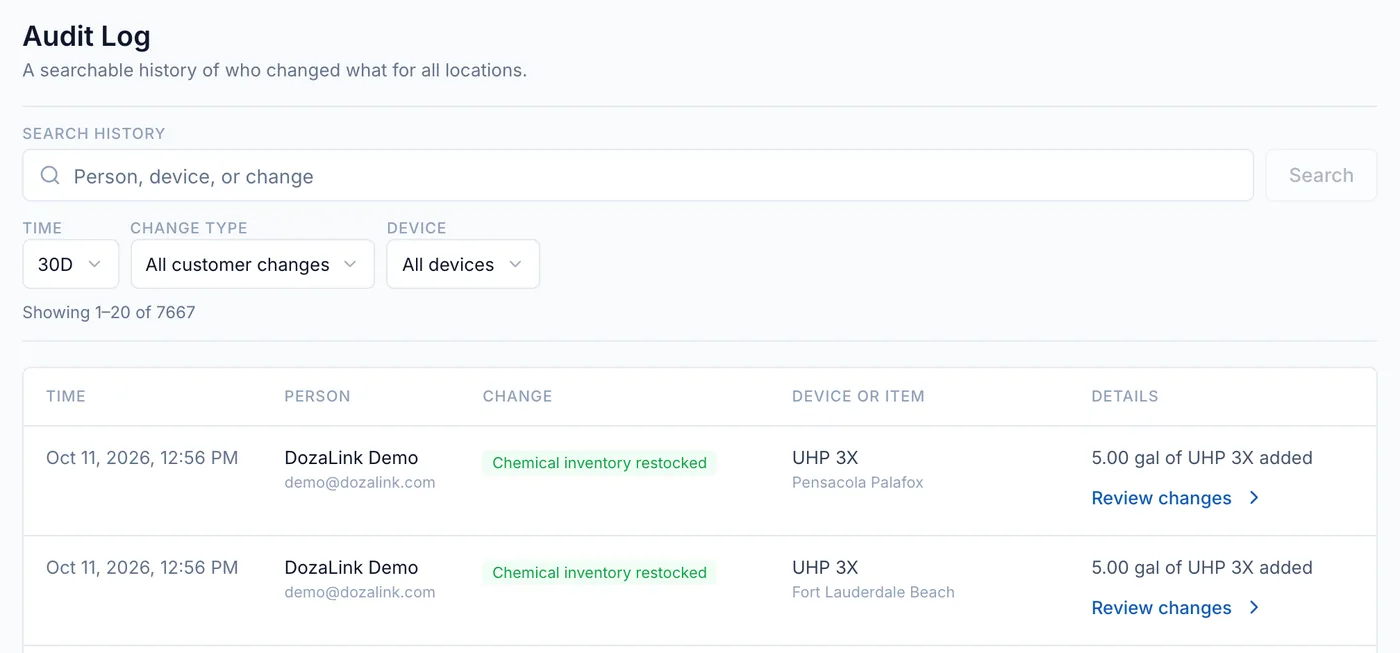
Audit Log lists every change to devices, calibration, chemicals, and team access. Click Review changes on an entry to see the before and after values.
Billing
DozaLink is billed monthly per linked device, with no charge per user or location. The owner starts the subscription and manages payment on Billing; it must be active before a device can be linked. If a payment fails, there’s a 7-day grace period before remote changes stop. Devices keep dosing with their saved settings.