Read the dashboard, compare sites and chemicals, and download reports.
On dozalink.com
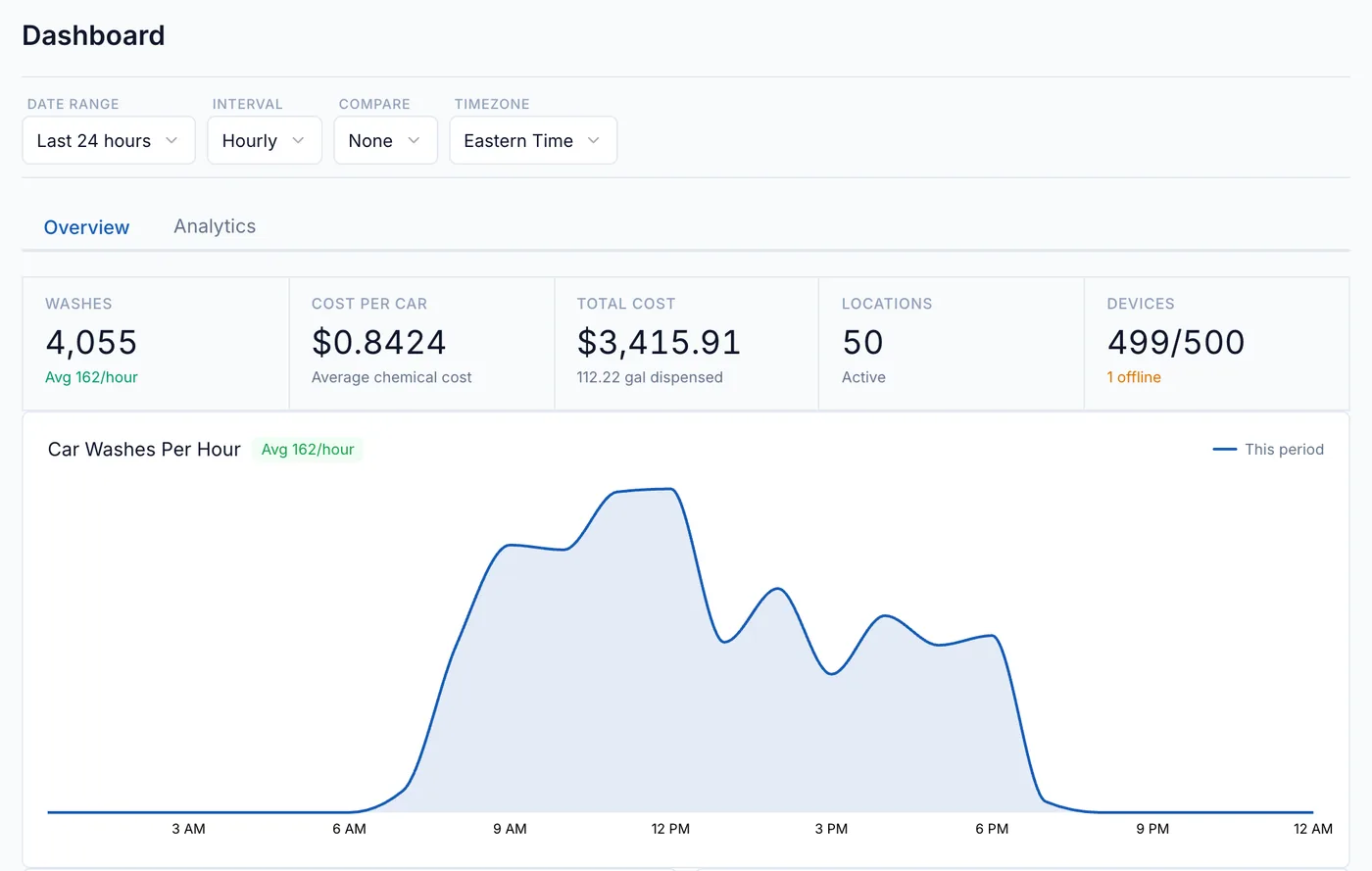
Home shows chemical use and cost for one site or all of them. Use the location menu
and the date controls to choose what to look at.
Demo data.
What the numbers mean
Volume
The sum of recorded doses.
Cost
Each dose’s volume × its chemical’s cost per unit.
Washes
An estimate: the busiest pump at each site in each hour.
Cost per car
Cost ÷ estimated washes.
Compare and export
The Analytics tab breaks cost and volume down by location, chemical, and device.
Click Download CSV to export what’s on screen.
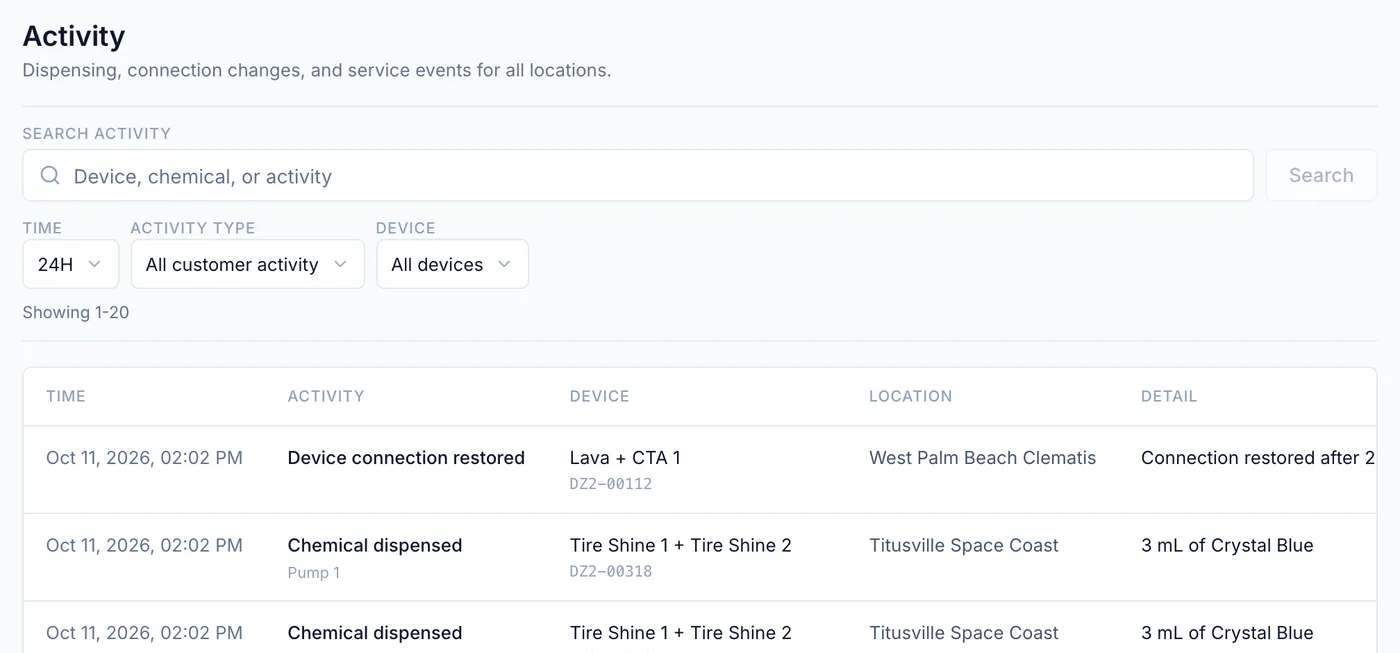
Individual events
Activity lists recorded doses (manual, wash-triggered, or scheduled), missed scheduled doses,
connections, pump issues, and updates. Filter by time, type, and device.