
Maintain · Section 17
Firmware updates
How device software is kept up to date.
Firmware is the software inside the device. Doza rolls out updates to devices connected to DozaLink, so there is nothing you need to do as long as the device has good Wi-Fi.
During an update the device downloads the firmware, restarts, and checks it. It doesn’t dose while it restarts. Don’t unplug it during an update.
If the Wi-Fi drops while the device downloads an update, DozaLink tries again on its own a few times over the next hour or two, picking up where the download stopped. The device keeps running its current firmware until an update finishes.
Update now (optional)
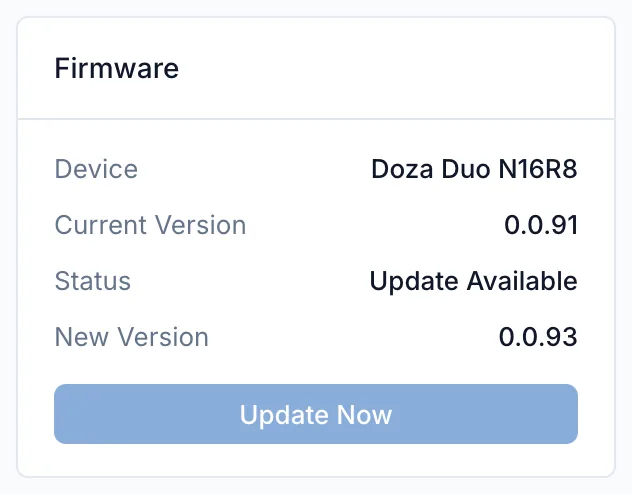
Owners and admins can install an available update right away: on the device’s page, in the Firmware card, click Update Now. To update every device at a site, use Update All Devices on the Devices page. Pick a quiet time, since each device restarts.
A device on Wi-Fi that isn’t linked can update from setup mode: tap Device Info, then Start Update.